
Mobile Fueling Fill Up Fast With Mobile Fueling
Skip the lines, stay dry and never miss a point. With mobile fueling through the Pilot app, you can start the pump right from your driver’s seat—fast, easy and rewarding.1
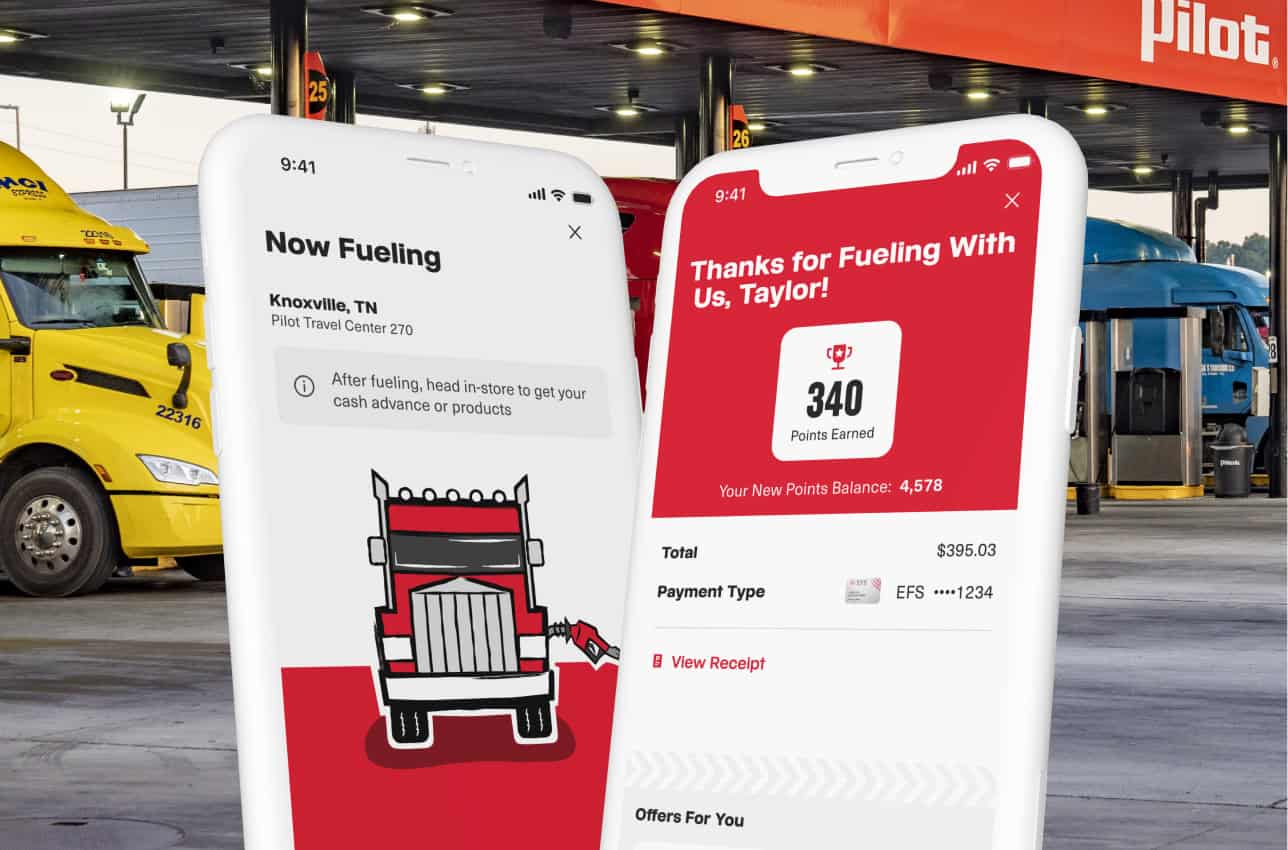
Using Mobile Fueling in the App
Using mobile fueling, you can pay right from your phone. Just follow these simple steps:
Why Drivers Choose Mobile Fueling
Mobile fueling through the Pilot app is designed to make your stops faster, easier and more convenient than ever. Here’s what sets it apart:
- Maximize Your Rewards
Always earn your loyalty points—no missed swipes, no missed savings.
- Fuel at Your Fingertips
Whether it’s pouring rain or blazing hot, start the fueling process from the comfort of your cab.
- Your Wallet, Simplified
Save your fleet and payment cards in the app—no more digging through your glove box.